Polar H10 audio zone alerts on Android
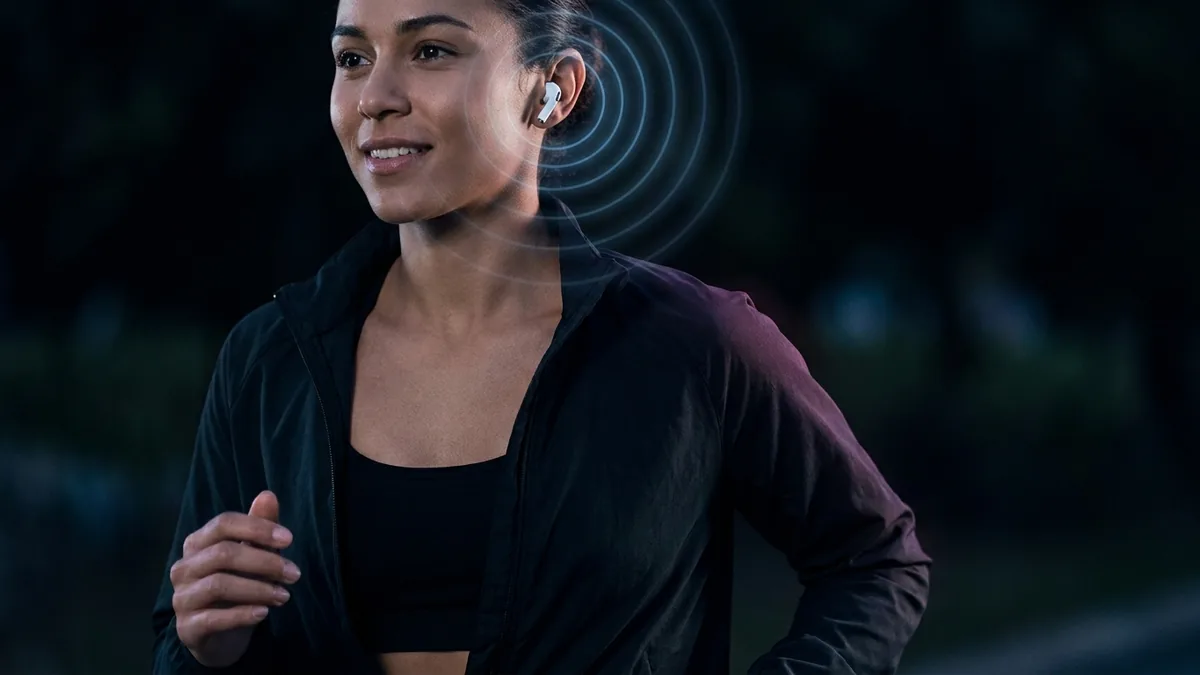
If you use a Polar H10 chest strap connected directly to your Android phone for treadmill, incline walking, rowing, or gym workouts, you may have noticed a common limitation. The official Polar Beat and Polar Flow apps do not offer real-time spoken headphone alerts when your heart rate drifts out of your target zone unless you are paired with a Polar sports watch.
The strap is not the problem. In Gillinov and colleagues’ comparison against ECG, a Polar chest strap was almost exactly right where wrist monitors were not. Polar’s phone apps are built for looking at a screen, and its voice guidance runs on its watches. But the H10 sends heart rate over the standard Bluetooth heart rate profile, so any Android app can read it and speak your zone changes into your headphones while the phone stays in your pocket. Set your zones from your heart rate reserve and let the app run unrestricted in the background, and ZonePoints will do it without an account.
The gap in mobile heart rate zone alarms
The strap itself is the accurate part. In “Variable Accuracy of Wearable Heart Rate Monitors during Aerobic Exercise,” Gillinov and colleagues had 50 adults work on a treadmill, stationary bicycle and elliptical while a Polar chest strap (the H7, the H10’s predecessor) and four optical wrist and forearm monitors were measured against ECG. The chest strap agreed with ECG almost exactly, at a concordance of 0.996; the wrist monitors ranged from 0.81 to 0.92, and on an elliptical with arm levers not one of them was accurate.1 If you have bought a strap, you already own the reliable half of the setup.
What you do not get is a way to hear it. The official mobile apps are designed mainly for on-screen monitoring and post-workout graphs. Polar’s native “Voice Guidance” feature runs on watches (such as the Pacer, Vantage, or Grit X series), not inside the phone app.
If you carry your phone in your pocket or mount it on a gym machine, looking at the screen mid-workout interrupts your rhythm.
How to get background audio zone alerts on Android
Because the Polar H10 broadcasts its heart rate over the standard Bluetooth heart rate profile, a published Bluetooth SIG specification rather than a proprietary Polar format,2 any companion app can receive the live heart rate stream and trigger spoken alerts.
To set up background headphone alerts for target heart rate zones on Android:
- Use Heart Rate Reserve (HRR) math: Calculate your zones using the Karvonen formula (
HRR = Max HR - Resting HR). Standard %Max HR formulas systematically overestimate Zone 2, so alerts fire too early. - Set Android background battery optimization to Unrestricted: Go to Settings > Apps > ZonePoints > Battery and select Unrestricted. This stops Android from throttling Bluetooth background receivers when the screen turns off.
Real-time zone alerts with ZonePoints
ZonePoints was built to close this gap for Polar H10 and other Bluetooth chest strap users on Android.
- Direct Bluetooth connection: Connect your Polar H10 right on the home screen over standard Bluetooth without an account or login.
- Spoken Audio Alerts: Hear real-time voice guidance over your headphones when your heart rate enters or leaves target Heart Rate Reserve zones.
- Google Health Connect: Read workouts recorded by your watch or another fitness app and score them for zone points, and write your ZonePoints sessions back so they appear with the rest of your health data. Everything stays on your device.
Try it on your next session
ZonePoints scores every workout from your heart rate. Free, no account, any Bluetooth strap.
References
- Gillinov S, Etiwy M, Wang R, et al. “Variable Accuracy of Wearable Heart Rate Monitors during Aerobic Exercise.” Medicine & Science in Sports & Exercise. 2017.
- Bluetooth SIG. Heart Rate Service (0x180D) specification. Bluetooth Special Interest Group.