How to see your Fitbit Air’s live heart rate on Android
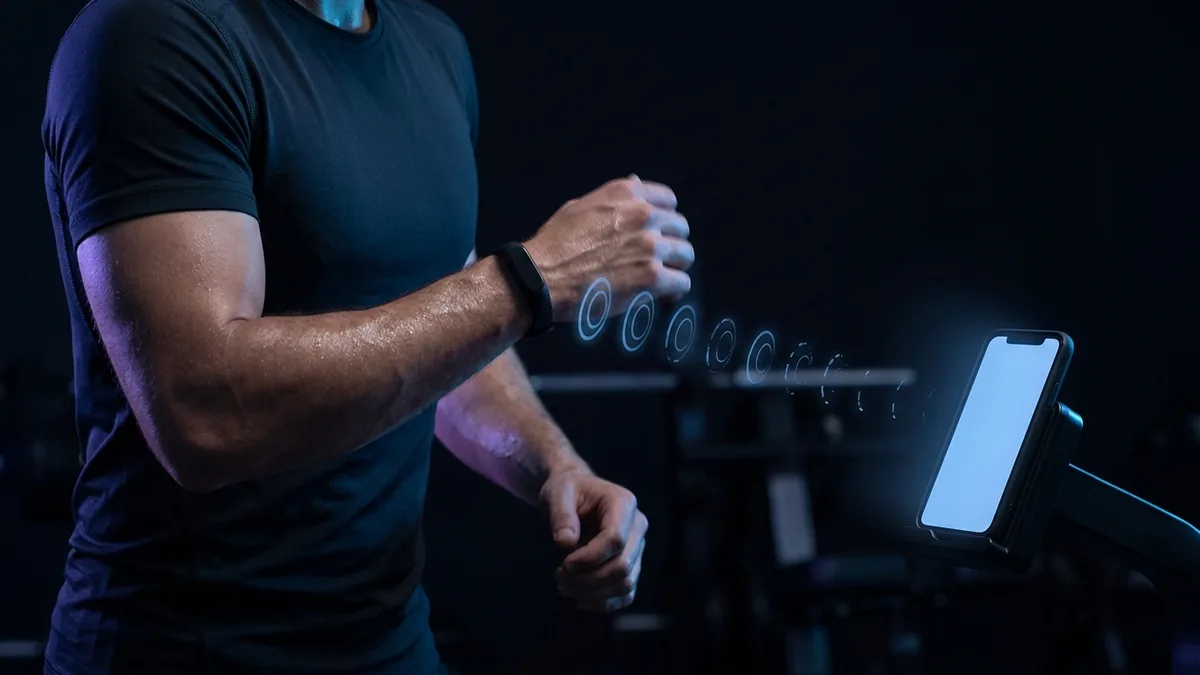
The Fitbit Air has no screen, so to watch your heart rate while you train you need another one, usually your phone. To see it live on Android, turn on “Share heart rate” for the band in Google Health, then connect it in any Bluetooth heart rate app. The catch comes next time. You connect it, train, and it works. You finish, go to start the next session, and the band isn’t in the list any more. Turning sharing off and on in Google Health brings it back, once, and then the same thing happens again. People write to us about this often, so here is what is actually happening and three ways to fix it.
With “Share heart rate” on, the Air sends your heart rate over the same standard Bluetooth profile as a chest strap. With it off, nothing on your phone can see it. It vanishes because a scan only finds what is advertising, a band connected to an app is not advertising, and sharing ends when the workout does. There are three ways round it. Turn on “Always visible” to keep it broadcasting, at a cost in battery. Skip Bluetooth and let Health Connect bring your Fitbit workouts in to be scored afterwards, if you do not need numbers while you train. Or wear a chest strap for the sessions that matter: Gillinov and colleagues found one far more accurate than wrist monitors, and it reconnects by itself whenever you put it on. The three combine well.
What the band is actually doing
The Fitbit Air can send your live heart rate to other equipment and apps. Google’s help page for sharing real-time heart rate lists the Google Fitbit Air, the Fitbit Charge 6 and the Google Pixel Watch 2 or higher as the supported devices. On the Air, the setting is “Share heart rate”, in the band’s Connections menu inside Google Health.1
It uses the standard Bluetooth heart rate profile, a published Bluetooth SIG specification,2 which is the same thing a Polar or Garmin chest strap sends. That is why third-party apps can read the band at all.
While sharing is on, the Air behaves like a chest strap. While it is off, it is not a Bluetooth heart rate sensor at all, and nothing on your phone can see it.
Why it disappears between sessions
A scan can only show what is advertising right now. The sensor list screen shows only what is broadcasting in the room right then. ZonePoints drops a sensor from the list within seconds of its advertisements stopping.
A band that is busy is not advertising. Sharing is a one-to-one connection. Google’s page notes that the Charge 6 can connect with only one piece of equipment or app at a time, and that a Pixel Watch 3 or later manages at most two.1 While an app holds the connection, there is nothing for a second scan to find.
Sharing ends when the workout does. This is the part that catches people. Fitbit users have reported the sharing connection dropping at the end of a workout and needing to be started again from scratch, a recurring complaint on the Fitbit Community about heart rate sharing on the Charge 6.4 Once your app disconnects at the end of a session, the band leaves broadcast mode altogether rather than going back to advertising.
Fix 1: turn on “Always visible”
Before changing anything else, check this toggle. In Google Health, open your Fitbit Air, find “Share heart rate”, and turn on “Always visible”.
With it on, the band keeps broadcasting in the background and Google Health doesn’t need to be open while you train. That is the difference between a band that is discoverable when you go looking for it and one that only exists for the two minutes after you press a button.
Two things to know before you leave it on:
- It costs battery. Google states plainly that sharing real-time heart rate to fitness equipment shortens your device’s battery life.1 Expect to charge it more often while sharing is on.
- It is not a guarantee. If the band still vanishes after a session, switching “Share heart rate” off and back on before the next one resets the broadcast. That is the loop you already know, but with Always visible on you usually won’t need it.
Fix 2: skip Bluetooth entirely
If you don’t need to watch your heart rate while you train, you don’t need to connect to the band at all.
Your Fitbit workouts already sync into Health Connect, and a zone training app can read them from there afterwards, split them into sessions and score them. Nothing to pair or switch on, and nothing to remember at the start of a workout. How that sync works covers the setup, which is a permission you grant once.
The trade is real. You get the analysis after the session rather than the numbers during it. If your training is “go for an hour, see what it was worth”, this is strictly less work than pairing. If you train by watching the zone you are in and adjusting, it isn’t enough on its own.
Fix 3: wear a chest strap
If you want live zones, a strap is the tool for the job, and not only because it stays visible to your phone.
In “Variable Accuracy of Wearable Heart Rate Monitors during Aerobic Exercise”, Gillinov and colleagues had 50 adults work on a treadmill, stationary bicycle and elliptical with a Polar chest strap and four optical wrist and forearm monitors all measured against ECG. The chest strap agreed with ECG almost exactly, at a concordance of 0.996, while the wrist monitors ranged from 0.81 to 0.92 — and on an elliptical with arm levers, not one of the optical monitors was accurate.3
A strap also solves the discovery problem as a side effect. It advertises whenever it is worn, so it is simply in the list when you open the app. It reconnects on its own if the link drops mid-session. There is no mode to enter and nothing to switch on. Most straps also run on a coin cell that lasts months rather than a day, so one is ready whenever you put it on. Which sensors work with ZonePoints covers the options.
You do not have to wear one all day. Keep the band for everyday tracking and put the strap on for the sessions that actually matter: the focused training where you need to know, in the moment, how hard you are pushing.
That matters most for intervals, where your heart rate changes faster than a wrist sensor can follow. For steady efforts, a wrist reading is usually close enough.
Which one to pick
- You own the Air, you want live zones: turn on “Always visible” and accept the battery cost.
- You want the training scored, not watched: use Health Connect and stop pairing altogether.
- You do intervals, or your zones matter to you: wear a strap and use the Air for the rest of the day.
They are not exclusive. Plenty of people train with a strap and let Health Connect pick up the walks, rides and workouts they did not record deliberately.
Zone training with ZonePoints
ZonePoints is built for exactly this mix of sources on Android:
- Any standard Bluetooth sensor. A chest strap, an armband, or a Fitbit Air with sharing switched on — all the same standard Bluetooth heart rate profile, connected from the home screen with no account and no sign-in.
- Health Connect import. Workouts from Fitbit and other apps are imported and scored automatically, and time already covered by a session you recorded live is never counted twice.
- Five heart-rate-reserve zones, one score. Every session becomes one number, so a hard twenty minutes and an easy hour are comparable.
Try it on your next session
ZonePoints scores every workout from your heart rate. Free, no account, any Bluetooth strap.
References
- Google. Share your real-time heart rate with fitness equipment & apps. Google Health Help Center. support.google.com/googlehealth/answer/14236705
- Bluetooth SIG. Heart Rate Service (0x180D) specification. Bluetooth Special Interest Group.
- Gillinov S, Etiwy M, Wang R, et al. “Variable Accuracy of Wearable Heart Rate Monitors during Aerobic Exercise.” Medicine & Science in Sports & Exercise. 2017.
- Fitbit Community. Constant issues sharing HR to devices since latest firmware update. Charge 6 forum thread.